After the Breach: How to Build Data Services That Withstand Ransomware
 Published on July 10, 2025
Updated on April 17, 2026
 6 mins to read

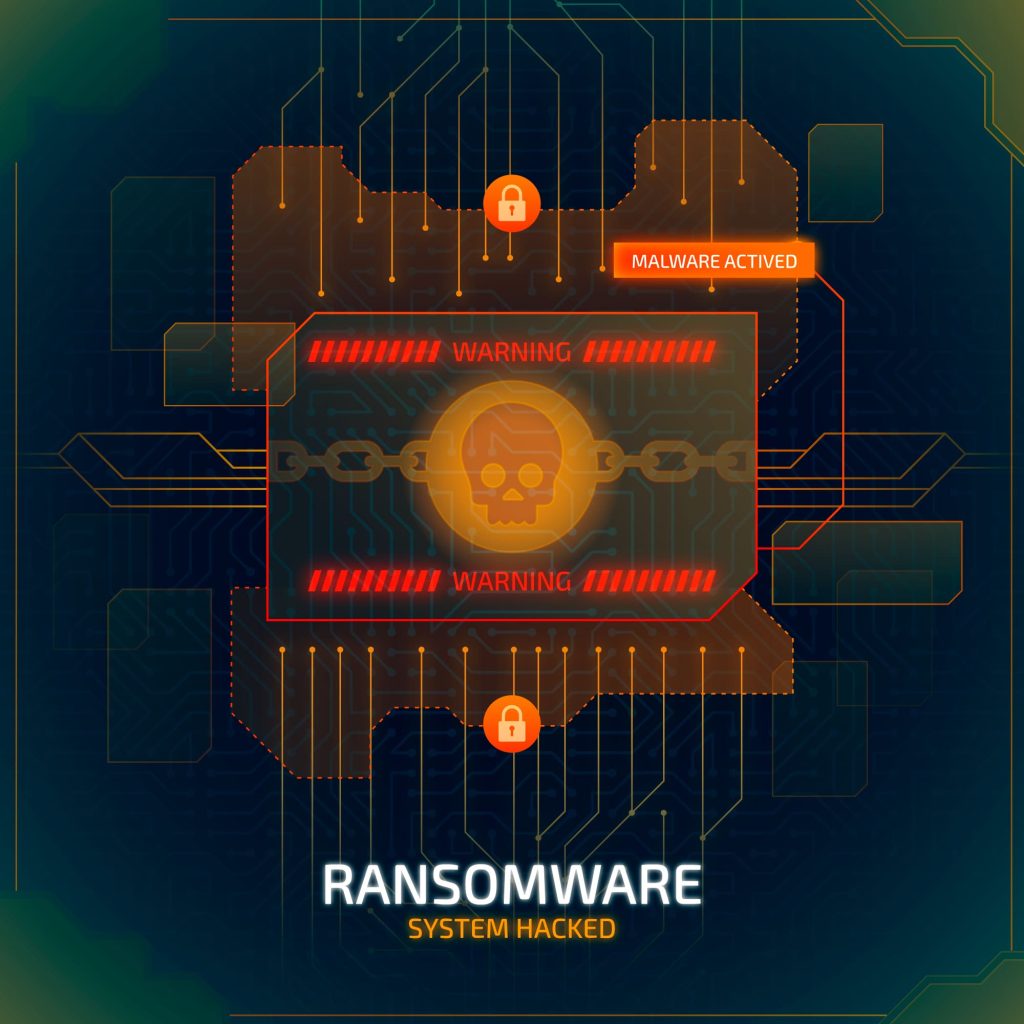
A ransomware attack can quickly overwhelm teams, making the first few hours critical and chaotic. Systems go dark. Critical data is locked. Executives demand answers. And amid the scramble to contain the damage, one question rises above the rest: “How do we make sure this never happens again?”
This article isn’t about preventing that first breach. It’s about how to come back stronger. It’s about how to architect ransomware-resistant data services that won’t collapse when attackers inevitably find their way in. Resilience isn’t optional anymore. It’s the first line of defense in today’s threat landscape.
Why Data Resilience Is the New Security Perimeter
Traditional perimeter security—firewalls, VPNs, endpoint protection—still matters. But it’s not enough. Ransomware rarely barges in through obvious entry points. It often sneaks in via trusted insiders, third-party tools, or unpatched vulnerabilities in applications already behind your defenses.
Once inside, ransomware can spread laterally and target your most valuable internal assets: backup servers, file shares, databases, and cloud storage. The damage is encrypted, and it’s halted operations, corrupted recovery points, and costly downtime.
This is why post-breach data resilience must become the focus. Creating architecture built for resilience means assuming attackers will get in. The goal becomes survival, limiting blast radius, maintaining access to clean data, and restoring services quickly without paying a ransom.
Post-Breach Mindset: What to Fix First
Recovery starts with a reset. Organizations must shift to a post-breach mindset, prioritizing changes that minimize exposure and restore control.
Start with these critical actions:
- Access controls audit: Review all permissions. Least privilege must become non-negotiable. Remove standing access for admin accounts and enforce just-in-time access provisioning.
- Backup validation: Many teams don’t realize backups have been silently failing—or worse, corrupted—until they need them. Validate backup integrity through routine test restores.
- Privileged account audit: Attackers often escalate through over-provisioned accounts. Use tools like Microsoft LAPS or Vault to rotate credentials and eliminate shared accounts.
- Logging and visibility: Ensure logs are collected from every tier—application, OS, network—and stored in a tamper-proof system. This isn’t just forensics. It’s visibility for future anomalies.
Organizations often overlook backup logs, which can contain silent indicators of prior tampering. An attacker may disable scheduled jobs or modify scripts to delay detection. Tools like Veeam ONE or Cohesity Helios offer automated backup monitoring and anomaly detection to help identify failures in real time.
Use tools like Microsoft Defender for Identity or Okta to find outdated admin accounts and limit access to only when it’s needed—with full tracking. These platforms help ensure that dormant accounts aren’t the Achilles’ heel during an attack.

Designing Immutable and Air-Gapped Backups
If attackers can reach your backups, they can destroy your last line of defense. That’s why immutability and air-gapping are foundational for data service continuity.
- Immutable storage: Technologies like Amazon S3 Object Lock or Rubrik’s immutable file system ensure that once data is written, it cannot be modified or deleted for a defined period. These are vital for preventing ransomware from encrypting or wiping backups.
- Air-gapped copies: Keep backup copies completely separate from your main systems—either offline or in isolated environments—so attackers can’t reach them. These should be disconnected from production networks or stored in isolated cloud accounts with strict access controls.
- Snapshot chaining: Protect backup integrity by using chained snapshots with cryptographic verification, ensuring each snapshot builds on a verified prior state. This makes it much harder for attackers to corrupt or tamper with a long history of recovery points.
Together, these mechanisms create a fortified recovery layer that ransomware can’t easily reach or compromise.
The Role of Zero Trust in Data Services
Zero Trust isn’t just a buzzword. It’s an essential principle for modern data systems, especially after a breach.
By continuously verifying identity, context, and behavior, Zero Trust architecture limits attackers’ ability to move laterally or escalate privileges.
Key Zero Trust practices include:
- Microsegmentation: Break systems into smaller parts so that if one is hit, the rest stay protected. A compromise in one container or VM shouldn’t give access to the rest of the system.
- Continuous authentication: Implement adaptive access policies using identity signals like MFA challenges, device health checks, geo-fencing, and behavioral analysis to determine risk in real time.
- Policy enforcement at the data layer: Extend Zero Trust beyond the network. Apply fine-grained access controls directly to databases, APIs, and storage.
These strategies help ensure secure data architecture, even during an active incident.

Automated Snapshots and Continuous Data Protection (CDP)
Reducing your recovery point objective (RPO) from hours to minutes is critical when ransomware strikes. That’s where automated snapshots and Continuous
Data Protection (CDP) come into play.
- Snapshot frequency: Take hourly or even 15-minute snapshots of key workloads. Automated retention settings help eliminate storage bloat while guaranteeing that clean, recent recovery snapshots are always available when needed.
- Versioning: Enable file versioning in object storage (e.g., AWS S3, Azure Blob Storage) so even modified or deleted files can be restored to previous states.
- CDP: CDP tools like Zerto or Veeam continuously replicate changes to a secondary location. This provides real-time restore capabilities without relying on daily backups.
Choosing the right toolset matters. Rubrik’s CDP offerings allow journaling of data changes with instant rollback, while Zerto’s hypervisor-based replication offers RPOs of seconds with minimal overhead. Select backup and recovery tools based on how quickly your systems need to recover (RTO), how much data you can afford to lose (RPO), and the criticality of each application they support.
It’s also important to separate snapshot storage from production systems, using cloud-native options like AWS EBS Snapshots with lifecycle policies or Azure Backup with vault-based immutability. This creates recovery zones immune to internal tampering.
These methods create a timeline of clean data states—vital for fast, surgical recovery.
Ransomware Detection in the Data Layer
Prevention may have failed—but detection shouldn’t. Identifying ransomware in progress can drastically reduce its impact.
Look for:
- Unusual I/O patterns: Sudden surges in file writes, renames, or deletions may indicate encryption activity.
- Compression or entropy spikes: High entropy is a common trait of encrypted files, making it a useful signal for early detection. Monitoring data entropy can help flag compromised datasets.
- Access anomalies: Track access patterns to critical databases or shares. Unexpected user agents, access times, or geographies are red flags.
- Built-in detectors: Use features from vendors like NetApp ONTAP or Azure Defender that provide ransomware behavior analytics natively within storage layers.
Monitoring these indicators in real-time allows for fast containment—before full-scale encryption.
Disaster Recovery Orchestration: Recovery Time Matters
Backups don’t help if you can’t restore them fast—and that’s why you need a clear recovery plan.
- Runbooks: Document step-by-step recovery workflows. Include team roles, restoration order, failover DNS updates, and credential recovery steps.
- Automation tools: Use disaster recovery tools (e.g., VMware SRM, Azure Site Recovery) to orchestrate failover across infrastructure stacks.
- Regular testing: Conduct quarterly disaster simulations. Include ransomware-specific scenarios like mass encryption or Active Directory compromise.
Consider a ransomware scenario where Active Directory is compromised alongside file shares. Without a tested runbook, teams often scramble to reset credentials, delaying restoration. Simulated tabletops using tools like AWS Fault Injection Simulator or Chaos Monkey help teams rehearse failover plans under pressure.
Also, maintaining dependency maps in tools like ServiceNow CMDB or Atlassian Opsgenie ensures that when one service fails, related applications and databases are properly sequenced during recovery. This coordination can mean the difference between hours and days of downtime.
With the right recovery process, you avoid chaos and get systems running again in a steady, organized way. Without it, every extra minute of downtime drives up the cost of a breach.
How to Build for Recovery, Not Just Prevention
Prevention is a moving target. But ransomware-proof infrastructure is rooted in design choices that assume failure.
Design around:
- Critical path awareness: Map out the data flows, services, and dependencies essential to your business. Know what must come back online first.
- Loose coupling: Avoid monolithic data systems. Use APIs, queues, and microservices to reduce interdependency and improve recoverability.
- Survivable services: Use containers and saved infrastructure templates to quickly rebuild clean versions of your systems.
- Data tiering: Separate mission-critical, operational, and archival data. Make sure your most important data is the quickest to recover.
Building for recovery means making decisions today that save time, cost, and trust tomorrow.
Compliance, Forensics, and Legal Considerations
A ransomware event triggers more than just IT responses—it sets off legal, regulatory, and insurance obligations.
Be ready with:
- Immutable logs: Store logs in WORM (Write Once, Read Many) systems. Chain-of-custody matters during forensic investigations.
- Data integrity tools: Use file integrity monitoring (FIM) tools and NIST 800-53/1800-11 guidelines to validate that restored data hasn’t been altered.
- Evidence collection: Retain screenshots, logs, file hashes, and email communications from the incident. You may need these for litigation or cyber insurance claims.
- Retention policies: Ensure compliance with industry regulations (e.g., HIPAA, GDPR, PCI-DSS) when handling breached or restored data.
Cyber insurers increasingly demand proof of ransomware readiness—including backup immutability, multifactor authentication enforcement, and tested incident response plans. Without these, coverage limits may shrink or claims could be denied.
Regulators like the SEC now mandate that public companies report significant cyber incidents within four business days. This makes time-stamped logs, access trails, and evidence preservation more critical than ever.
Final Thoughts
Ransomware isn’t going away. In fact, it’s getting more sophisticated—targeting backups, supply chains, and even recovery tools. But that doesn’t mean we’re powerless.
By embracing a ransomware recovery strategy grounded in resilience, automation, and smart architecture, you can build data services that don’t just survive attacks—they bounce back stronger.
Need to audit your ransomware recovery strategy? Let’s review your data architecture together.