From Homework to Home Networks: How Working Parents Can Stay Cyber Safe
 Published on September 16, 2025
Updated on April 17, 2026
 6 mins to read

The modern working parent is a master juggler. You manage client calls while making dinner, review homework assignments on your phone, and seamlessly transition from a business meeting to a bedtime story. But in this digital world, there’s another challenge to balance: cybersecurity for working parents.
With remote work, online learning, and a constant stream of connected devices, the line between your professional life and your family’s digital world has all but vanished. Your home is now an office, a school, and an entertainment hub, all running on the same network. This overlap creates unique risks. A single click from a child downloading an unsafe game or an unsecured Wi-Fi network could expose not only your family’s personal information but also your company’s sensitive data.
The goal isn’t to become a full-time IT expert. It’s about implementing smart, manageable strategies that fit into your busy life. This guide is your game plan for building a secure digital space at home, so you can focus on what matters most—your family and your work—without the stress.
The Digital Juggle of Modern Parents
The traditional family computer is a relic of the past. Today, every family member has their own devices, and many of those devices are constantly connected. This presents a new set of challenges for parents, including:
- Unsecured Wi-Fi: Your home Wi-Fi is the gateway to your digital life. If it’s not properly secured, it’s an open invitation for hackers to access every device connected to it, from your work laptop to your kids’ tablets.
- Kids Downloading Unsafe Apps: Kids, especially younger ones, may not understand the difference between a legitimate app and one loaded with malware. A single “free” download can compromise a device, putting your family’s data at risk.
- Phishing Emails and Scams: Hackers don’t just target corporate email addresses. They send phishing emails disguised as school announcements, gaming promotions, or streaming service notifications, hoping to trick both you and your kids.
But don’t panic. With a few simple steps, you can create a safe digital environment for everyone.
Securing Your Home Network Without the Stress
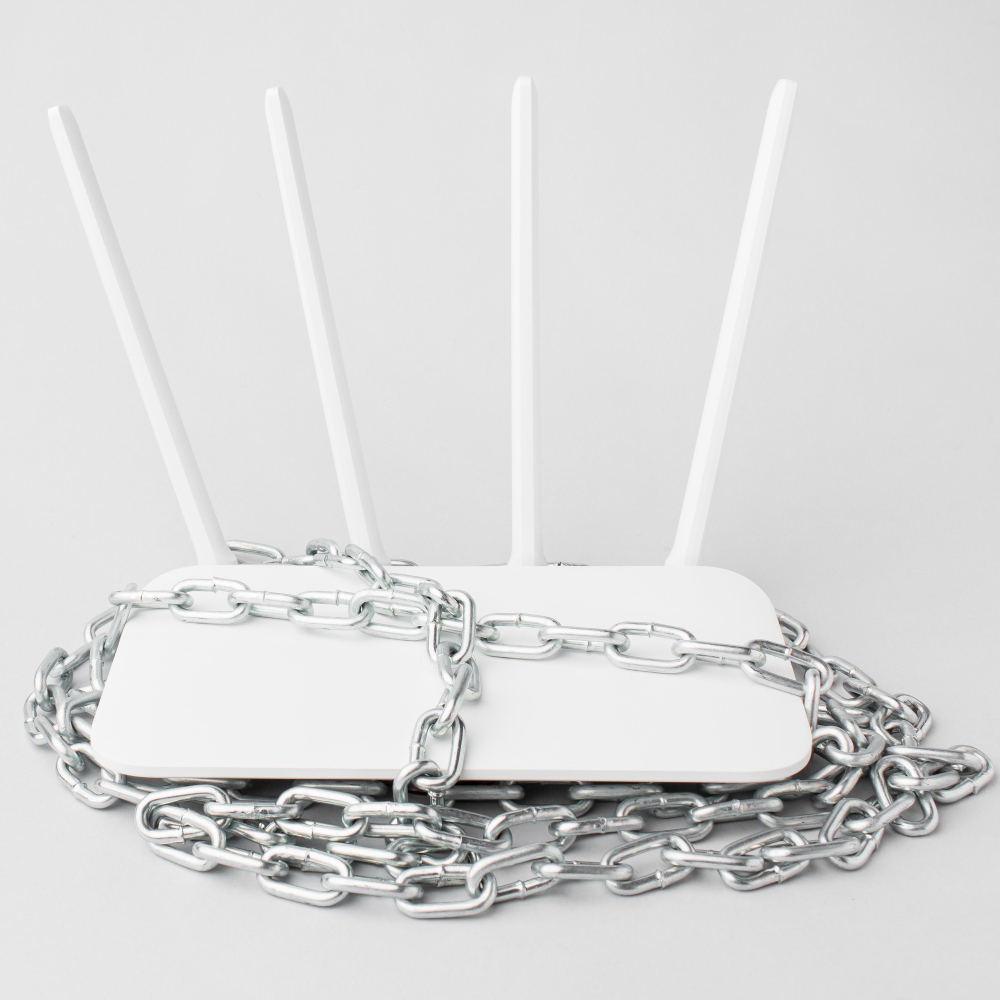
Your home network is the core of your digital security. Fortifying it is the most effective step you can take.
- Update Your Router’s Firmware and Change Default Passwords. Your Wi-Fi router came with a default username and password (e.g., “admin” and “password”). Change these immediately to something unique and complex. Also, enable automatic firmware updates in your router settings. This ensures your router is always running the latest software with the most up-to-date security patches.
- Create Separate Networks. Most modern routers allow you to create a “guest” network. This is a game-changer for home network security. Use your main network for your work laptop and other critical devices. Use a separate guest network for your kids’ tablets, smart TVs, and other family devices. This compartmentalizes your network, so if a device on the guest network gets compromised, it can’t access your work device or sensitive data.
- Use Parental Controls and Monitoring Tools. Many routers and Wi-Fi management apps include built-in parental controls. Use them to:
- Set schedules for internet access (e.g., no Wi-Fi on gaming devices after bedtime).
- Block access to inappropriate websites.
- Monitor what devices are connected to your network.
Teaching Kids Good Cyber Hygiene Early
Cybersecurity isn’t just a set of rules; it’s a habit. The earlier you teach your kids, the better.
- Age-Appropriate Lessons. For younger kids, start with simple rules like “ask before you click” and “don’t talk to strangers.” For older kids, explain the concept of strong passwords and why sharing personal information online is dangerous. Use relatable analogies, like comparing their passwords to a secret code and their online posts to things they wouldn’t want the whole world to know.
- Encourage Safe Social Media and Gaming Habits. If your kids use social media or online games, set ground rules together. Review privacy settings with them to ensure their profiles are private. Teach them to recognize the signs of cyberbullying and how to block and report a user.
- Set Screen Time and Device-Sharing Rules. Establish clear boundaries for screen time and device usage. If you share a device, such as a family tablet, ensure everyone logs out of their accounts after they’re done. Don’t let your kids use your work laptop for their school assignments or games.
Protecting Work Data in a Family Environment
Juggling remote work cybersecurity can be tricky. Here’s how to avoid common pitfalls.
- Work with Your IT Department. Your company likely has a list of best practices for working from home. Follow them to the letter. This includes using your company’s VPN (Virtual Private Network), using your work device for work only, and adhering to their data backup and storage policies.
- Keep Work and Home Devices Separate. This is a golden rule. Your work laptop is for work, and your family tablet is for family. Don’t let your kids download a game on your work device, and don’t use your personal laptop to access sensitive company data. This simple step can prevent a child’s mistake from turning into a corporate data breach.
- Avoid Mixed Downloads. Be mindful of where your kids save their homework or school projects. Ensure they are not downloading files or saving documents onto your work drive, which could violate company policy or introduce security risks.

Quick Wins for Time-Strapped Parents
You’re busy. We get it. Here are some quick, impactful steps you can take right now:
- Enable Automatic Updates: This is one of the easiest ways to stay secure. Set your phones, laptops, and apps to update automatically. Updates often include critical security patches.
- Use a Password Manager: You don’t have to remember dozens of complex passwords. A password manager stores them all for you and generates new, unique ones for every account. This is a must-have for cyber safety for families.
- Use Multi-Factor Authentication (MFA): This is the best defense against a compromised password. Enable MFA on every account that offers it—email, banking, social media, and more.
- Make Cybersecurity a Shared Routine: Turn it into a family activity. Once a month, gather the family for a “cybersecurity check-in” where you talk about new apps, update passwords together, and review online safety rules.
When to Call in Professional Help
Sometimes, despite your best efforts, you might need expert help.
- Signs of a Compromised Network: Be on the lookout for signs that your home network or a device has been compromised. These include unusually slow internet speeds, strange pop-up ads, unauthorized purchases on your credit card, or your child’s accounts being locked or suspended.
- Benefits of Managed Security: For many working parents, time is their most valuable asset. Managed security services can take the burden of cybersecurity off your shoulders. These services often provide round-the-clock monitoring, threat detection, and proactive management of your home network.
At Klik Solutions, we understand the digital demands on working parents. We offer comprehensive cybersecurity services that protect not just businesses, but the home networks that power them. Our goal is to provide peace of mind so you can focus on your life, knowing your digital world is secure. Ready to secure your home network and your peace of mind? Learn how Klik Solutions can help.
FAQ
What are the top cybersecurity risks for working parents?
The top risks include unsecured home Wi-Fi networks, children accidentally downloading malware, phishing emails and scams targeting both parents and kids, and the overlap of work and personal data on shared devices or networks.
How can I explain online safety to my kids?
Use simple, age-appropriate analogies. For younger children, compare online safety to street safety (don’t talk to strangers, don’t go to bad places). For older kids, use examples from their daily life, like how they wouldn’t want a private diary read by everyone, so they shouldn’t share personal information online.
Should I use the same Wi-Fi for work and home?
It’s much safer to separate them if possible. Many modern routers offer a guest network feature. Use your main, password-protected network for your work devices and a separate guest network for your family’s personal devices. This isolates your work data from potential threats on the family side.
How do I know if my child’s device has been hacked?
Common signs include the device running much slower than usual, unexpected pop-up ads, the battery draining quickly, unauthorized charges on linked accounts, or social media accounts being used to send messages without your child’s knowledge.
What’s the easiest way to protect multiple devices at home?
The easiest and most impactful step is to secure your router. Change the default password and enable automatic updates. Then, install a password manager and multi-factor authentication (MFA) on all devices. These are quick, high-impact actions that protect every device on your network.